Changing an Incoming Listing to Active

1. Click on the "Input" tab from the main menu

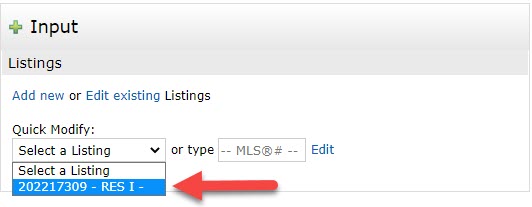
2. Select your listing from the Drop-down
3. Under select form, click on your listing's "Property Type"

4. Select "Active" under the Status Tab
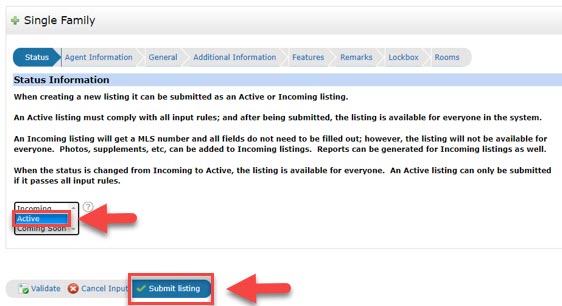
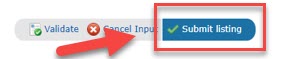
5. Press the "Submit listing" button.
If there are errors on the input form, it will prevent your listing from going Active.
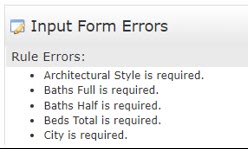
1. To see where the errors are, Click the link in Red. "There were errors on the input form, click here to view them"
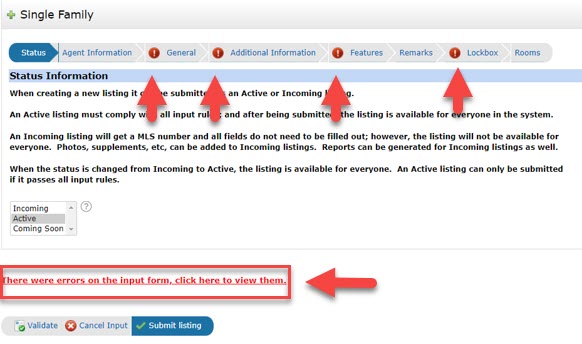
2. All the Input Errors will be displayed.
3. Go back to your input form and fix the required missing fields with the red exclamation marks next to the fields.
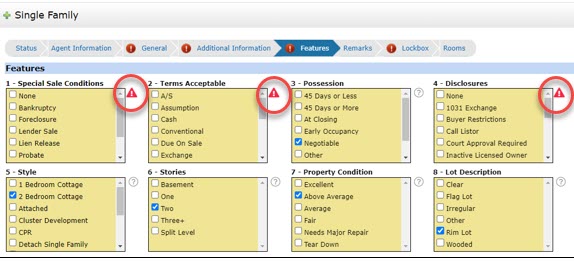
4. Once you have fixed the errors, click on "Submit Listing" button on the bottom.